Vehicle Scanner
Building Type |
Buildable Network Component |
Max Network Connections |
1 |
| Build Gun | In Game |
|---|---|
|
|
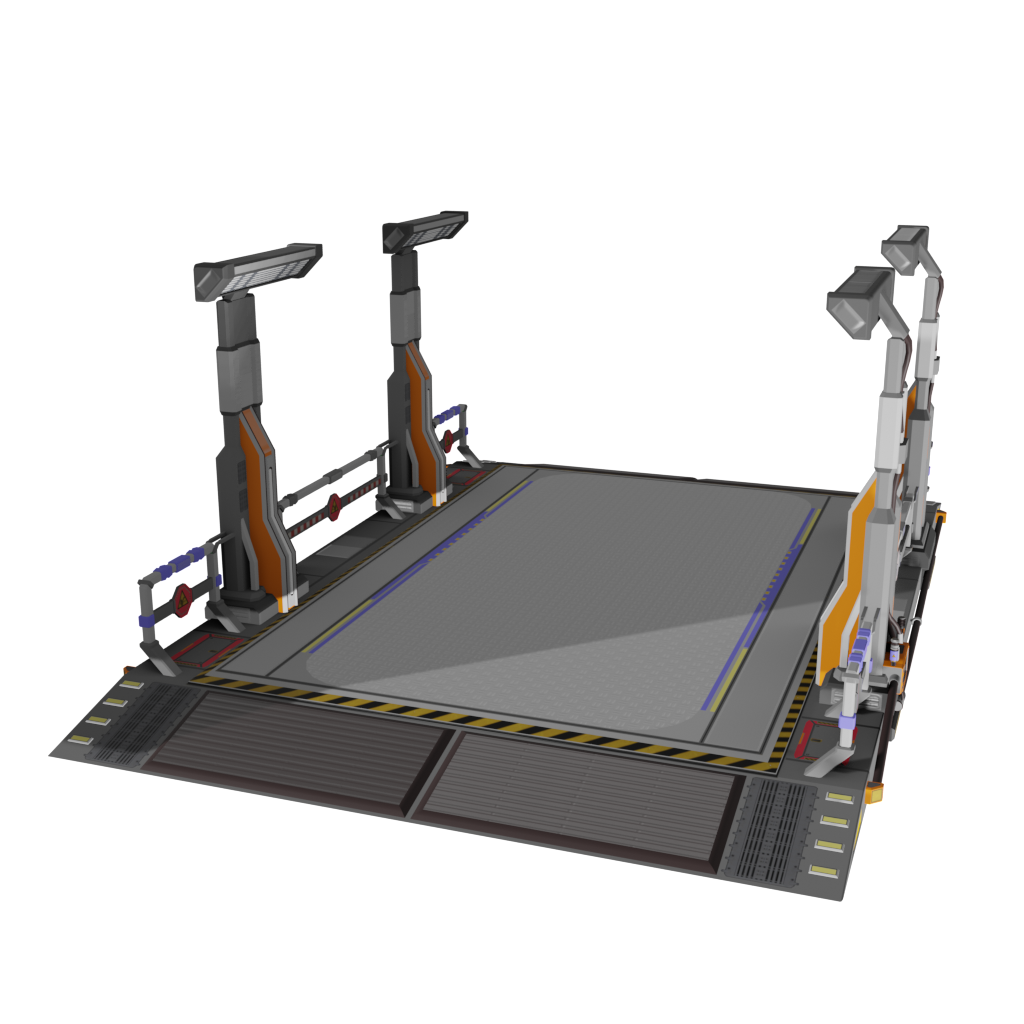
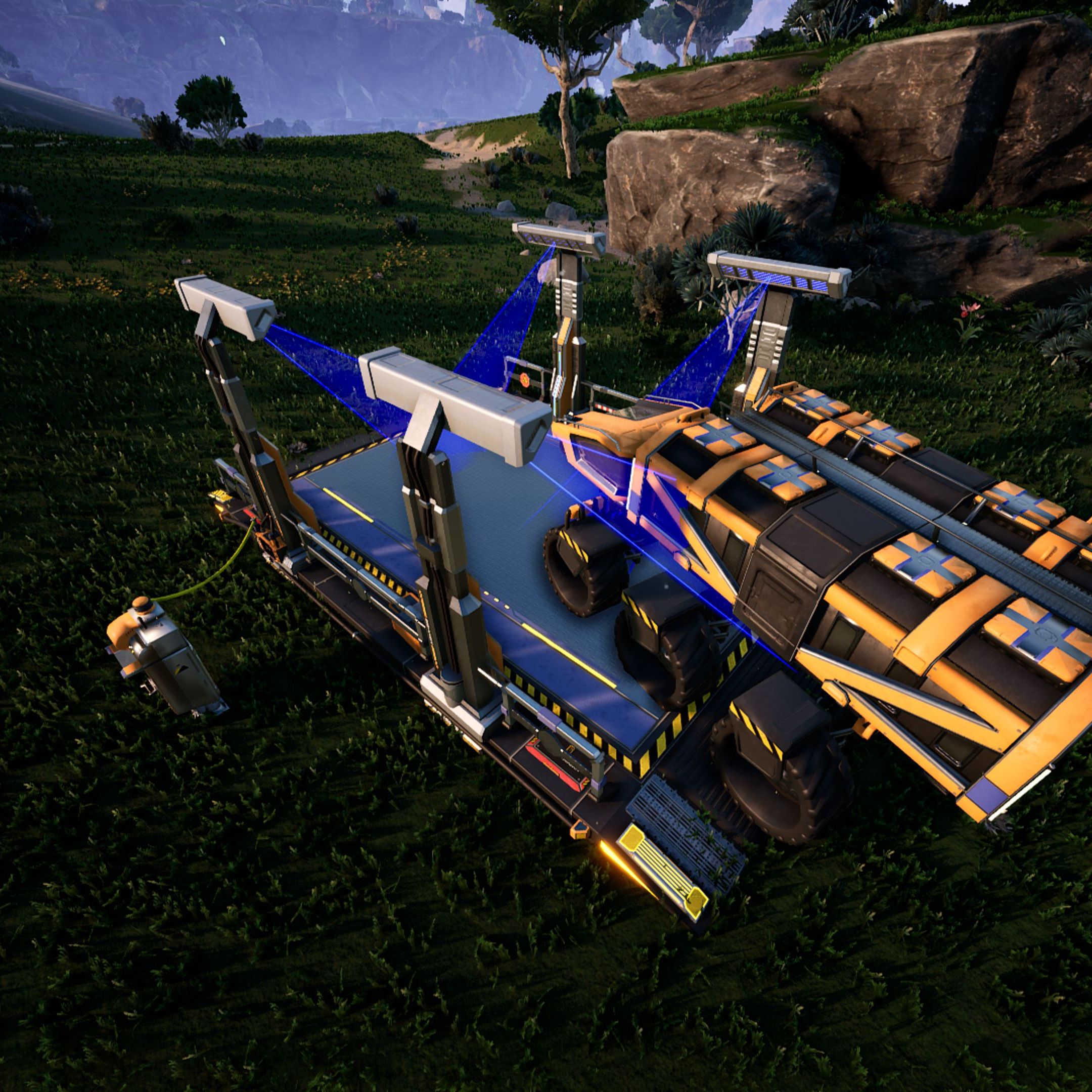
The vehicle scanner is a computer network component that allows you to communicate with the vehicles that drive over it. The scanner beam colors can be modified. It also emits a couple of signals that allow for notification when a vehicle drives over it.
Interface
Parent |
Functions
Set Color setColor (Float Red r, Float Green g, Float Blue b, Float Emissive e)
Allows to change the color and light intensity of the scanner.
Flags |
RuntimeSync RuntimeParallel RuntimeAsync |
- Parameters
-
Name Type Description Red
rFloat
The red part of the color in which the scanner glows. (0.0 - 1.0)
Green
gFloat
The green part of the color in which the scanner glows. (0.0 - 1.0)
Blue
bFloat
The blue part of the color in which the scanner glows. (0.0 - 1.0)
Emissive
eFloat
The light intensity of the scanner. (0.0 - 5.0)
Get Last Vehicle getLastVehicle (Object(Vehicle) Vehicle vehicle out)
Returns the last vehicle that entered the scanner.
Flags |
RuntimeSync RuntimeParallel |
- Return Values
-
Name Type Description Vehicle
vehicleObject(Vehicle) out
The vehicle that entered the scanner. null if it has already left the scanner.
Get Color getColor (Float Red r out, Float Green g out, Float Blue b out, Float Emissive e out)
Allows to get the color and light intensity of the scanner.
Flags |
RuntimeSync RuntimeParallel |
- Return Values
-
Name Type Description Red
rFloat out
The red part of the color in which the scanner glows. (0.0 - 1.0)
Green
gFloat out
The green part of the color in which the scanner glows. (0.0 - 1.0)
Blue
bFloat out
The blue part of the color in which the scanner glows. (0.0 - 1.0)
Emissive
eFloat out
The light intensity of the scanner. (0.0 - 5.0)
Signals
On Vehicle Exit OnVehicleExit (Object(Vehicle) Vehicle vehicle)
Triggers when a vehicle leaves the scanner.
Flags |
|
- Parameters
-
Name Type Description Vehicle
vehicleObject(Vehicle)
The vehicle that left the scanner.