Network Distributor
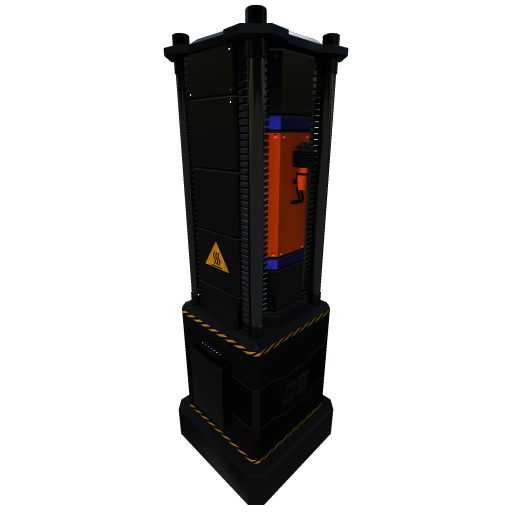
The Network Distributor is the first step to setting up a storage network in the game.
To assign and start using a network, open the Network Distributor buildings UI and click on the New Button at the bottom left of the network list screen Then, set the name of the new network and set the network ID (defaults to 999), and click save on the bottom right of the network list screen you can then click link next to the newly created network to assign it to the Distributor
The Building is unlocked in the Basic Networks milestone in Tier 3 Hub.
Network Distributor UI
Adding Networks
You can add a new network by opening any Network Distributor and clicking the New button at the bottom.
Give the new network an ID number and a memorable name. and click save to save the new network