Network Power Adapter
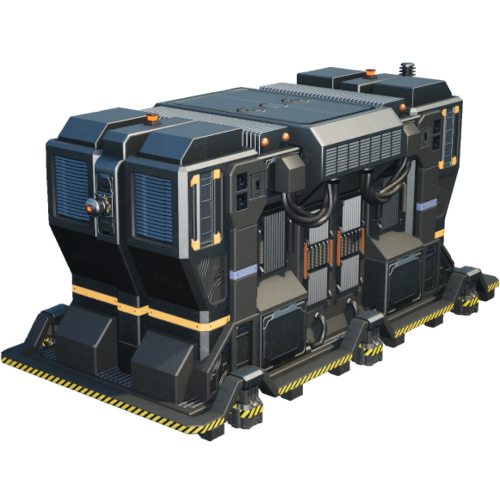
All network-attached devices require power, which is where the Network Power Adapter comes in.
The Network Power Adapter serves as the intermediary, ensuring that the power supplied from the electrical grid is converted into the precise form needed to sustain the network.
When establishing a new network, the Network Power Adapter will automatically connect to the the network after it has been set in the Distributor This can be done using the UI and clicking link next to the Network you want to assign it to.
If the network power fuse gets tripped, you will receive a popup on your HUD, and the Network Distributor will have a new section to reset the Fuse.
|
A noteworthy feature comes into play once the initial configuration is complete and a Network is assigned. Subsequent Power Adapters placed on the network can assign themselves the same Network automatically. This automation streamlines the setup process, eliminating the need for manual intervention and allowing for the seamless integration of new devices into the existing network.